25 Etsy Product Sale Scene Bundle: A Complete Mockup Kit
Transform Your Shop with Professional Visuals
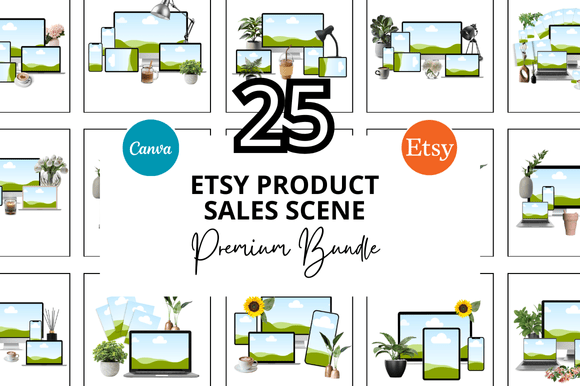
If you've ever spent hours trying to photograph your digital products or create mockups that actually look professional, you know the frustration. That's where the 25 Etsy Product Sale Scene Bundle comes in—a comprehensive collection of Canva-ready mockup templates designed specifically for Etsy sellers, digital creators, and small business owners who want polished, consistent product presentations without the steep learning curve.
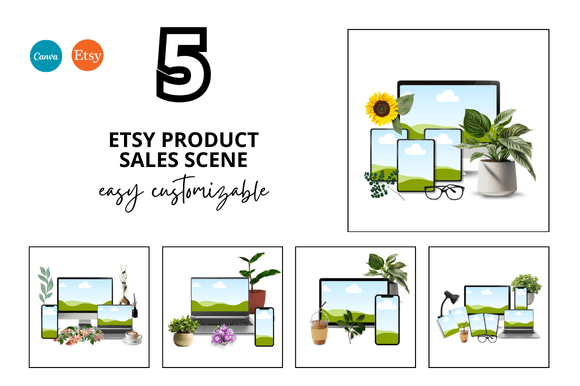
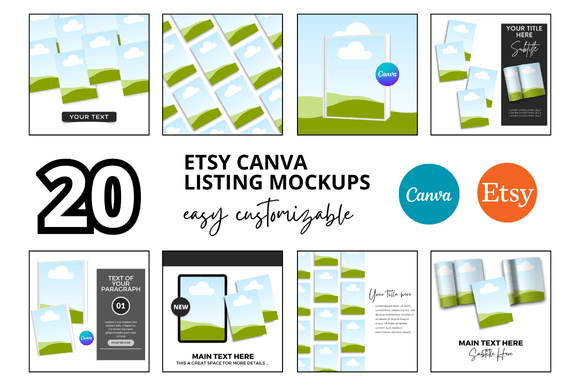
This bundle includes 25 distinct sale scene mockups at 2000 x 2000 pixels, giving you enough variety to keep your shop looking fresh across dozens of listings. Each scene is fully customizable inside Canva, which means you don't need Photoshop skills or expensive software to get started. You simply open the link, swap in your product images, adjust the colors if you'd like, and download.
What Makes These Mockups Stand Out
The visual personality of the 25 Etsy Product Sale Scene Bundle leans toward clean, modern, and professional—exactly what most successful Etsy shops project. These aren't cluttered, overly stylized scenes that distract from your product. Instead, they use thoughtful compositions with balanced negative space, subtle shadows, and natural lighting effects that make digital products feel tangible and real.
Each scene has been designed with a specific purpose: to draw the viewer's eye directly to your product while maintaining an aesthetically pleasing backdrop. Whether you're selling planners, printable wall art, social media templates, or digital invitations, these mockups create context that helps buyers visualize your product in use. That kind of visual storytelling directly influences purchase decisions.
The style works across a wide range of brand aesthetics. If your shop leans minimalist, the neutral tones and simple props complement that direction beautifully. If your brand is more colorful or playful, you can customize the backgrounds and accent elements within Canva to match your existing brand identity. This flexibility is one of the strongest practical advantages of the bundle.
Who Benefits Most from This Bundle
Etsy sellers running digital product shops will find immediate value here. If you're listing planners, journals, worksheets, resume templates, or any printable product, consistent mockups across your shop create a professional appearance that builds trust with potential buyers. Shoppers scroll through dozens of listings—cohesive, high-quality visuals help yours stand out in search results.
Content creators and bloggers who sell digital downloads on their own websites can also use these scenes. Instead of showing a flat PDF screenshot, you can present your product inside a styled environment that communicates quality and care. The same applies to designers selling Canva templates, social media kits, or design assets—presentation matters just as much as the product itself.
Small business owners who offer digital services, like coaching packages or course materials, will find the bundle useful for creating promotional graphics, sales pages, and social media graphics. The square format at 2000 x 2000 pixels works perfectly for Instagram posts, Etsy listing images, and Pinterest pins, covering most of the visual marketing channels small businesses rely on.
Practical Tips for Using the Bundle Effectively
Start by selecting scenes that complement your specific product type. A planner mockup works differently than a wall art mockup—the props, angles, and context should reinforce what you're actually selling. Take a few minutes to browse all 25 options before committing to a set for your shop's aesthetic.
When customizing inside Canva, pay attention to visual hierarchy. Your product should be the clear focal point. Avoid adding too many text overlays or decorative elements that compete with the mockup scene itself. The strength of these templates lies in their simplicity, so resist the urge to over-design.
Consistency across your shop listings also matters more than most sellers realize. Choose three to five scenes from the bundle and use them repeatedly across your products. This creates a recognizable visual language that makes your shop feel cohesive and intentional—qualities that signal professionalism to browsing customers.
Consider how each mockup will look at thumbnail size, too. Most Etsy shoppers first encounter your listing as a small square image in search results. The 25 Etsy Product Sale Scene Bundle was designed with this in mind, using clean compositions that remain legible and appealing even at reduced sizes.
Getting Started and Making the Most of Your Investment
Once you receive the Canva link, the setup process takes minutes. Open each template, locate the smart object or placeholder area where your product image goes, and drag your design into position. Resize as needed, then export as a high-resolution PNG or JPG for your Etsy listing.
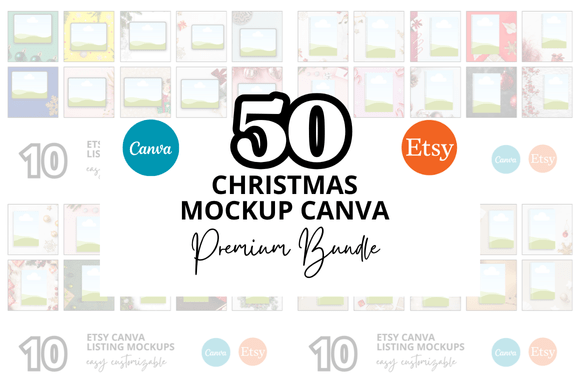
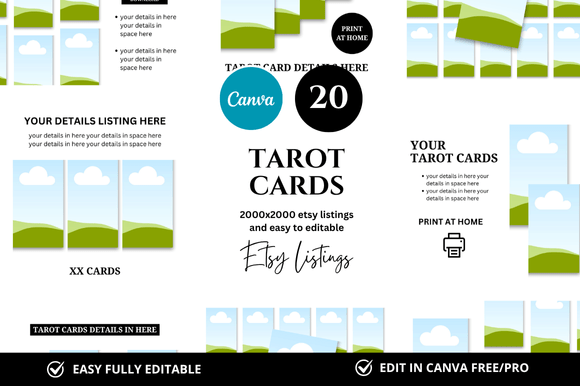
The bundle also includes bonus freebies, which add extra value for sellers who want additional variety without purchasing separate packs. These extras can fill gaps in your product line or serve as quick solutions for seasonal promotions and sale events.
For sellers managing multiple product categories, having 25 distinct scenes means you can maintain visual variety without repeating the same mockup across unrelated listings. This level of presentation quality typically requires either custom photography, expensive stock mockup subscriptions, or significant design skills. The 25 Etsy Product Sale Scene Bundle removes all three barriers.
Save yourself the hours you'd otherwise spend cobbling together product images. A well-presented listing communicates the same care and professionalism as a well-designed product—and that's ultimately what converts browsers into buyers.