Master Your Etsy Listings: The Canva Mockup Advantage
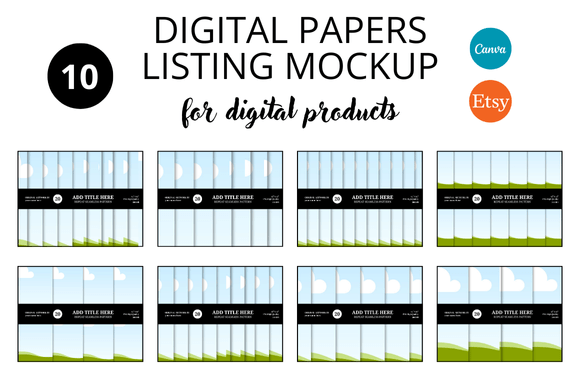
In the world of digital sales, the first impression is the only impression. When a potential buyer scrolls through Etsy, they aren't just looking for a product; they are looking for a solution packaged in a way that signals quality and trust. If you are selling digital papers, planners, or printable art, your listing images are your storefront window. This is where the concept of the Digital Papers Etsy Listings Mockup becomes a critical asset for your business. It is not merely about placing a file on a screen; it is about creating a visual narrative that converts casual browsers into paying customers.
The Anatomy of a High-Converting Mockup
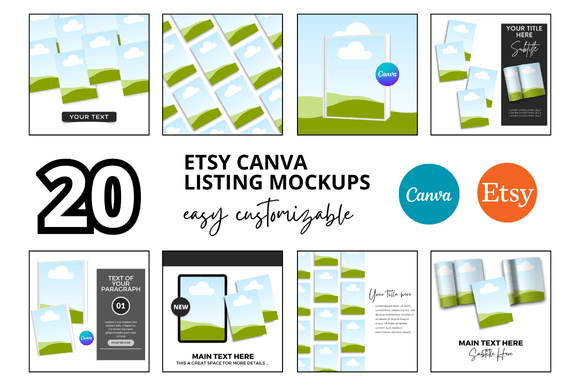
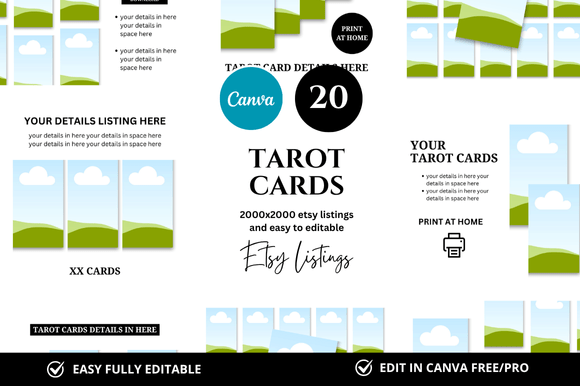
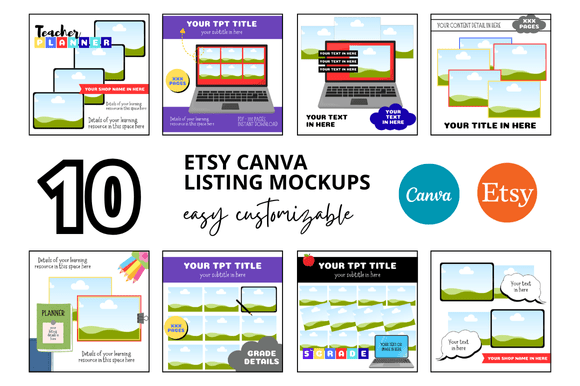
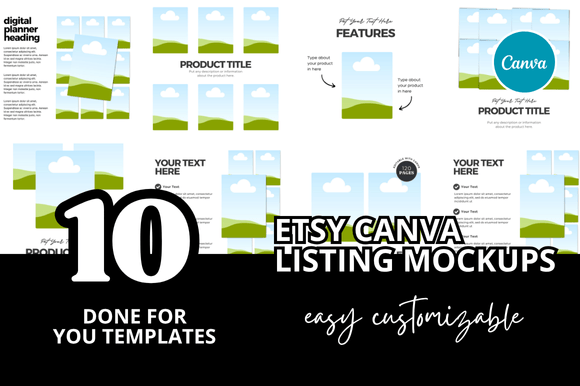
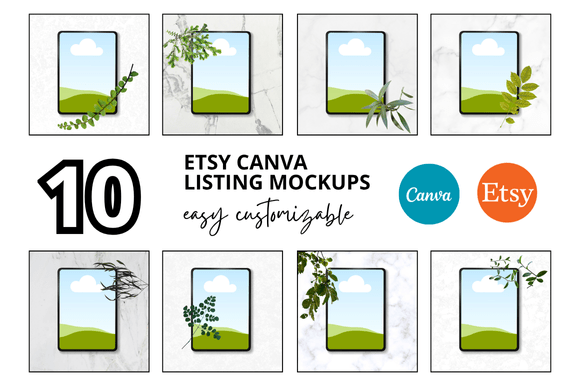
A successful Etsy Listing Canva Mockup relies on more than just high resolution. While the standard 2500 x 2000 px size ensures your images remain crisp on all devices, the real value lies in the composition. The visual personality of a great mockup should be clean, uncluttered, and contextual. It needs to show the digital product in a "real world" scenario. For example, if you are selling digital papers, the mockup shouldn't just show a flat color swatch; it should show the paper texture being used in a crafting project or printed on high-quality cardstock. This helps bridge the gap between the intangible digital file and the physical result the customer desires.
The style of these templates usually leans towards modern typography and minimalism. You want the background to support the product, not fight for attention. Soft shadows, realistic lighting, and neutral props (like a coffee cup, a stylus, or some dried flowers) help create a mood. This approach appeals to a broad audience, from crafters and hobbyists looking for scrapbooking elements to marketers and bloggers seeking unique backgrounds for their social media graphics.
Strategic Applications for Designers and Entrepreneurs
Understanding where and how to apply these mockups can significantly elevate your brand identity. For the Etsy Digital Seller, consistency is key. Using a cohesive set of Etsy Shop Covers and listing images creates a professional atmosphere that builds trust. When a shop looks organized and visually harmonious, customers subconsciously view the products as higher quality.
Here is how different professionals can leverage this asset:
- For Brand Strategists: Use the mockups to maintain visual hierarchy. If you are launching a new bundle, the main product image should be the hero, but secondary images can show the versatility of the files. This reinforces brand perception and recognition.
- For Content Creators: If you are selling educational materials or templates, the mockup helps demonstrate usability. Showing a planner template filled out with example handwriting (using a handwritten font or script font) makes it easier for the buyer to envision using the product themselves.
- For Small Business Owners: Time is money. Instead of spending hours setting up a photoshoot for your digital files, these Canva Link Templates allow you to drag and drop your designs into a pre-made scene. This efficiency is vital for maintaining a frequent upload schedule.
Refining Your Visuals: Typography and Pairings
While the mockup provides the frame, the text overlays provide the information. Choosing the right typeface for your listing descriptions is crucial. You need a font pairing strategy that ensures readability. For the main headline (e.g., "Instant Download" or "Digital Paper Pack"), a bold display font or a clean sans serif font works best. It needs to be legible even on small mobile screens.
Avoid using complex script fonts for body text. While a creative font might look beautiful in isolation, it can hinder readability if used for instructions. A good rule of thumb is to pair a decorative header font with a simple serif font or sans serif font for the details. This creates a natural visual hierarchy that guides the viewer's eye from the title to the features, and finally to the "Add to Cart" button.
Practical Guidance for Customization
When you download a bundle of Etsy Mockup Templates, you are receiving design assets that should be treated as a starting point, not a rigid constraint. Here is a practical checklist for evaluating and using your mockups:
- Evaluate the "Vibe": Does the mockup style match your specific niche? A rustic, wooden background works for farmhouse decor printables but clashes with modern geometric planners. Ensure the aesthetic aligns with your target audience.
- Check the Layers: A high-quality Canva Template should have organized layers. You should be able to easily isolate the product layer to insert your design without accidentally moving the background props.
- Test for Commercial Licensing: Always verify the license of the mockup itself. While you are selling your end product, the mockup image is a commercial font and asset usage scenario. Ensure you have the rights to display the mockup on a marketplace like Etsy.
- Review Mobile Responsiveness: Before publishing, view your Canva design on your phone. Most Etsy traffic is mobile. If your text is too small or the product is lost in the background, simplify the design.
Ultimately, using a Digital Papers Etsy Listings Mockup is about professional presentation. It signals to the buyer that you care about the details. Whether you are selling printable mockups, planners, or digital art