Transform Your Etsy Shop with 10 Etsy Listings Mockup
What Exactly Are These Canva Mockup Templates?
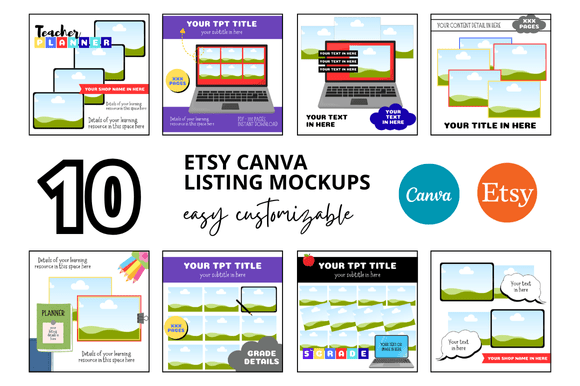
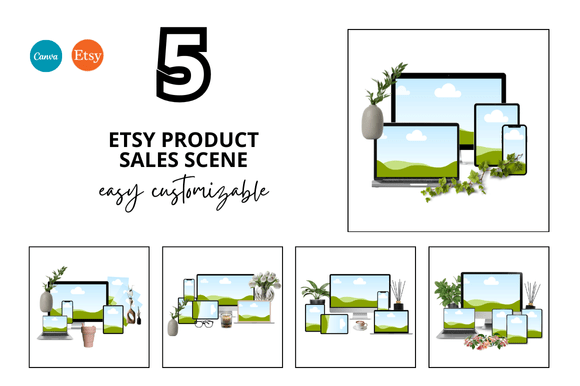
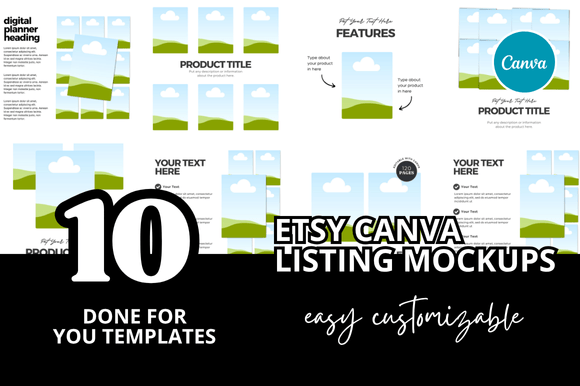
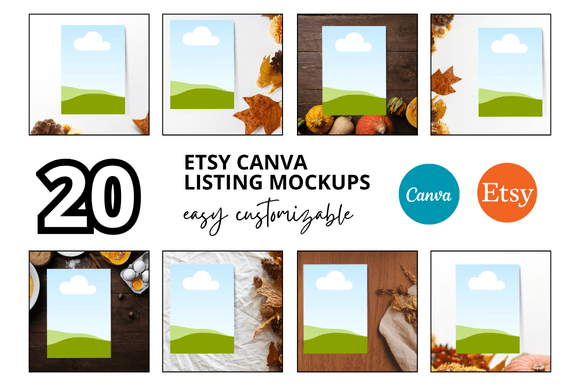
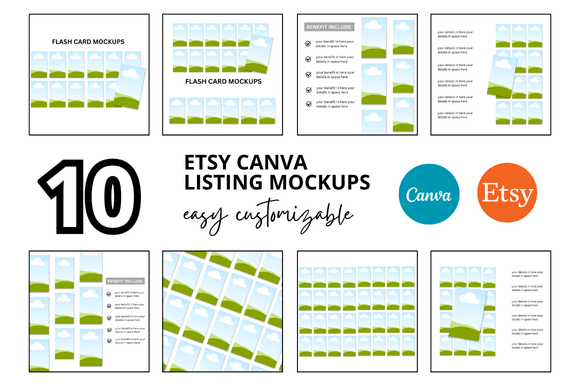
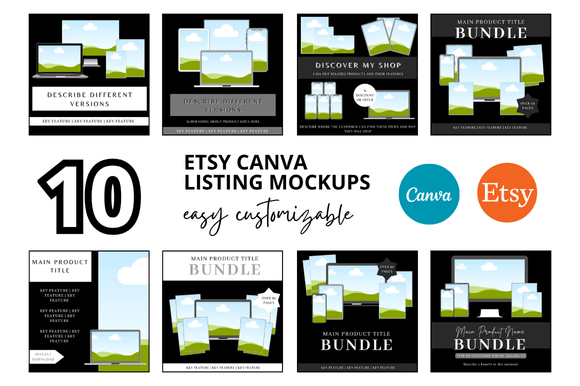
If you've ever stared at a blank Etsy listing image, wondering how to make your digital products look as appealing as your competitors', you're not alone. The 10 Etsy Listings Mockup bundle solves this exact problem by giving you professional, customizable templates you can edit directly in Canva. These aren't generic stock photos—they're purpose-built frames designed specifically for showcasing digital products like planners, printables, invitations, and downloadable art.
Each template measures 2000 x 2000 pixels, which is the square format Etsy favors for listing images. The designs maintain a clean and professional look that doesn't distract from your actual product. Think of them as elegant picture frames: they enhance what's inside without competing for attention. The visual style leans modern and minimal, with subtle shadows, soft backgrounds, and thoughtful spacing that gives your products breathing room.
Why Etsy Sellers Need Professional Listing Mockups
Your listing images are the single most important factor in whether someone clicks on your shop or scrolls past. Etsy's search algorithm considers engagement metrics—click-through rates, favorites, and conversions—all of which start with that first visual impression. A well-presented digital product signals professionalism and builds trust before a customer even reads your description.
The Etsy Frame Mockup templates address several common frustrations sellers face:
- Time savings: Instead of spending hours in Photoshop arranging mockups, you simply open the Canva link, drag your product image into the designated area, adjust the background color if desired, and download.
- Consistency: Using a cohesive set of templates across all your listings creates a unified shop appearance, which strengthens your brand identity and makes your store look established rather than haphazard.
- Professionalism: Flat screenshots of PDFs don't inspire confidence. These mockups add dimension, context, and visual interest that elevate perceived value.
As someone who's worked with countless small business owners and creative entrepreneurs, I've seen firsthand how presentation quality directly impacts sales. A beautifully designed planner deserves more than a basic screenshot slapped onto a white background.
Getting the Most from Your Canva Mockups Templates
The Instant Download Customizable Canva Mockups Templates come with a direct Canva link, meaning you don't need any design software beyond what's already free and browser-based. Here's how to approach them strategically:
Choosing the Right Mockup for Each Product
Not every listing needs the same visual treatment. If you're selling a wedding invitation suite, you might choose a mockup that shows multiple pages fanned out. For a single-page printable quote, a straightforward frame with a subtle drop shadow works beautifully. Review all ten templates before you start and mentally map each one to a specific product in your shop.
Customizing Without Over-Designing
Resist the temptation to add excessive text overlays, glitter effects, or busy patterns to your listing images. The strength of these Etsy Listing Canva Mockup templates lies in their simplicity. Your product should be the star. Adjust the background color to complement your product's palette, but avoid clashing hues that create visual noise. If your printable uses soft pastels, a neutral or muted background lets those colors shine.
Font Pairing for Text Overlays
Many sellers add a small text label or shop name to their listing images. If you do, choose a typeface that complements rather than competes with your product's design. A clean sans serif font works well for modern, minimalist products. For vintage or handcrafted items, a subtle script font can add warmth without sacrificing readability. The key is restraint—your text should support the visual, not dominate it.
Practical Applications Beyond Etsy
While these templates are marketed as Etsy Mockup Templates, their usefulness extends well beyond a single platform. Consider these scenarios:
- Social media graphics: Resize or crop the square mockups for Instagram posts, Pinterest pins, or Facebook product showcases. The professional presentation translates perfectly to social selling.
- Website product pages: If you sell on your own website or use platforms like Shopify or Gumroad, consistent mockup images create a polished storefront experience.
- Email marketing: Including a professional product mockup in your newsletter increases click-through rates compared to plain text links or amateur screenshots.
- Client presentations: If you design printables or digital products for clients, showing their work in a realistic mockup demonstrates your attention to detail and elevates the perceived value of your service.
Evaluating Whether This Bundle Fits Your Needs
Before purchasing any design assets, it's worth asking yourself a few honest questions:
- Do you sell digital products on Etsy? If yes, professional listing images are non-negotiable. This bundle directly addresses that need.
- Are you comfortable using Canva? The templates require basic Canva proficiency—dragging, dropping, and exporting. If you can resize an image in Canva, you can use these mockups.
- Do you value time over money? You could certainly build similar mockups from scratch, but the hours invested might not justify the savings, especially when you're trying to grow your shop.
- Does the aesthetic match your brand? These templates lean clean and contemporary. If your brand is heavily ornate or maximalist, preview the designs first to ensure alignment.
The Bonus Freebies and What They Add
The inclusion of bonus freebies with this Etsy Digital Shop Bundle adds genuine value, particularly for sellers just starting out. Extra templates mean more variety across your listings without additional purchases. This matters because Etsy's algorithm and human shoppers both notice when every listing looks identical. Having ten distinct but cohesive mockup options lets you create visual variety while maintaining brand consistency—a balance that's surprisingly difficult to achieve without templates.
Final Thoughts on Presentation and Professionalism
The difference between an Etsy shop that generates consistent sales and one that struggles often comes down to presentation. Customers can't touch, feel, or try your digital product before buying. Your listing images must do all the convincing. The 10 Etsy Listings Mockup bundle gives you the tools to present your work with the professionalism it deserves, without requiring advanced design skills or expensive software.
Save your hours of precious time. Focus on creating great products, and let these templates handle the presentation. Whether you're a seasoned Etsy Printables Seller or launching your first digital download, investing in quality mockups is one of the highest-impact decisions you can make for your shop's visual identity and, ultimately, your bottom line.