20 Review Etsy Listings Mockup: Your Template Toolkit
Let's be honest, staring at a blank Etsy listing, trying to photograph your digital product perfectly, is a major time sink. You've poured hours into creating your printable, planner, or template, and now you need to showcase it in a way that's both professional and enticing. This is where a solid mockup collection changes the game. The 20 Review Etsy Listings Mockup set is designed specifically for this moment, offering a clean, professional, and customizable framework to present your work.
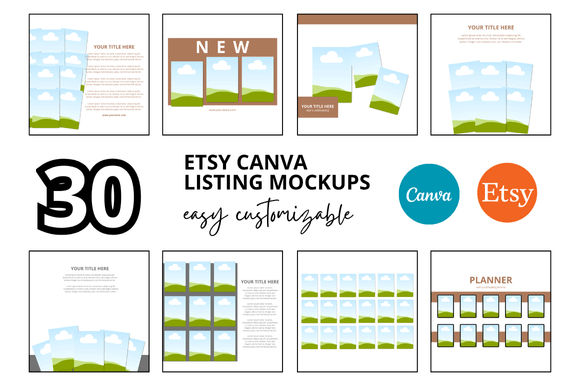
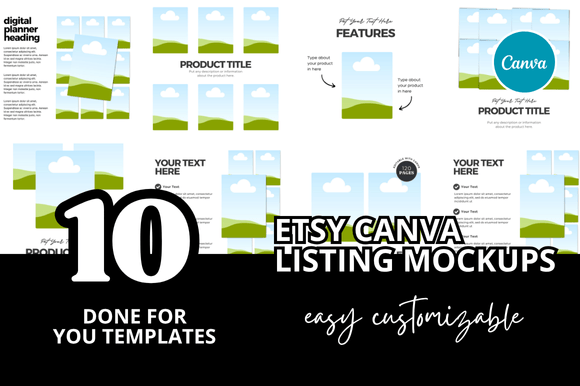
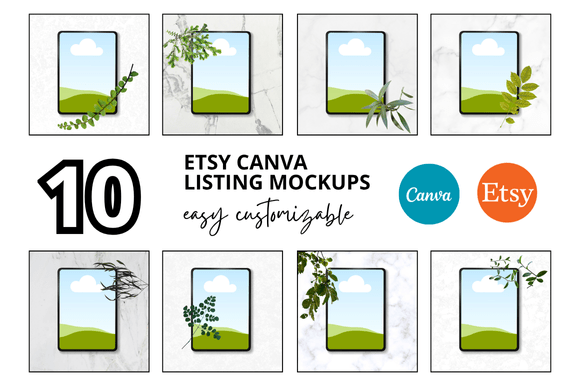
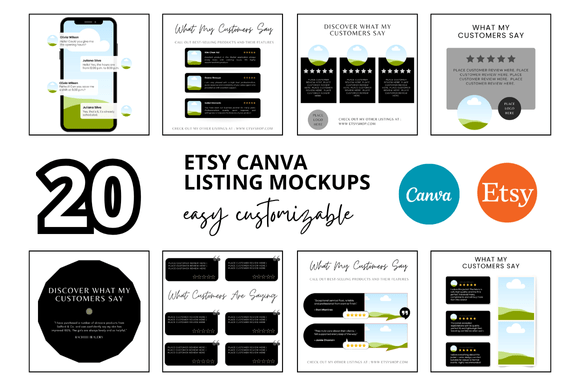
Think of this less as a simple image and more as a foundational design asset. The core offering is a set of 20 distinct Canva templates, each sized at a crisp 2000x2000 pixels—the ideal square format for Etsy's listing gallery. The visual style is intentionally minimalist and modern. The frames and layouts are clean, avoiding distracting backgrounds or overly stylized elements. This approach ensures your digital product remains the undisputed star of the show. The personality is one of quiet confidence and professionalism, helping to build immediate trust with potential buyers.
Where This Template Set Truly Shines
The real value of the 20 Review Etsy Listings Mockup is its versatility across the entire spectrum of a digital seller's needs. It's not just for your main product image; it's a system for building a cohesive and compelling shop presence.
- Core Product Listings: This is its primary function. Use the square mockups to display your digital download—be it a resume template, social media graphics pack, or wedding invitation suite—in a polished, professional context. A clean frame instantly elevates a simple screenshot into a marketable asset.
- Shop Cohesion and Branding: Consistency is key on Etsy. Using these templates across all your listings creates a unified, branded look. This visual harmony makes your shop appear more established and trustworthy, which directly influences buyer perception and can improve conversion rates. It's a practical step toward building a strong brand identity.
- Marketing and Promotion: These square mockups are perfect for repurposing content. The 2000x2000 px dimension is ideal for Instagram feed posts and other social media graphics. You can quickly create promotional material that looks consistent with your Etsy shop, reinforcing your brand across different platforms without extra design work.
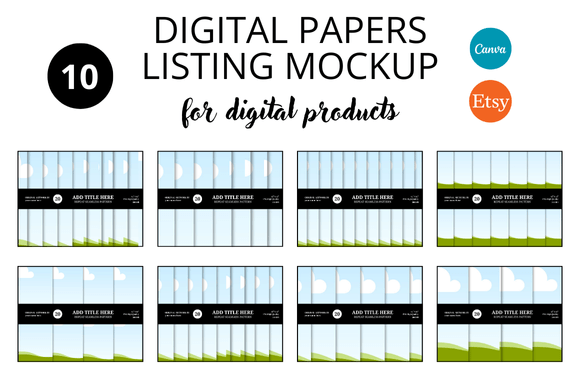
- Digital Product Bundles: Selling a bundle? Use a mockup frame that can accommodate multiple pages or a collection of items. This helps customers visualize the comprehensive value of what they're purchasing, making your bundle offer more attractive.
Ultimately, these templates act as a bridge between your creative work and a professional storefront. They handle the "packaging" so you can focus on what you do best: creating.
Practical Guidance for Using Your Mockups
Getting the most out of the 20 Review Etsy Listings Mockup set involves a few straightforward steps. Since it's a Canva link template, accessibility is immediate—you don't need advanced software.
- Access and Duplicate: Once you receive the link, make a copy of the Canva file. This preserves the original templates for future use or different products. Name your copy clearly, like "Wedding Planner Listing Mockups."
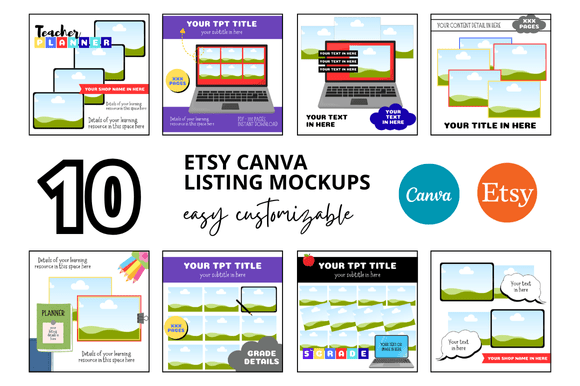
- Evaluate the Frame Options: Browse the 20 variations. Some might feature simple drop shadows, others might have subtle device frames (like a tablet or laptop screen), and some could offer clean, frameless layouts. Choose the style that best complements your product's aesthetic. A sleek, modern resume might look best in a simple shadow frame, while a playful children's activity pack could suit a more illustrated device frame.
- Customize with Your Product: This is the easy part. Drag and drop your product's key page or a screenshot into the designated placeholder area within the template. Canva's tools make it simple to resize and position your image perfectly within the frame.
- Test for Readability and Hierarchy: Before finalizing, zoom out. Does your product's design remain clear and readable at a small thumbnail size? The mockup frame should enhance, not obscure. Ensure there's enough visual contrast between your product and the background of the template itself.
- Consider Your Full Gallery: Don't just create one listing image. Use different templates from the set to create a full gallery of 5-10 images. Show different pages of your product, close-up details of key features, and perhaps a lifestyle-style image showing the product in use (e.g., the planner open on a desk). This gives buyers a comprehensive view and answers potential questions visually.
A quick note on licensing: always review the terms provided by the creator. Typically, these Canva templates come with a commercial license that allows you to use the final mockup images in your Etsy listings and marketing. However, you usually cannot resell the raw Canva template link itself. This is standard for design assets and protects the creator's work.
In a crowded digital marketplace, presentation is half the battle. A resource like the 20 Review Etsy Listings Mockup set is a practical investment. It saves you countless hours of fiddling with screenshots and DIY designs, and it provides the professional polish that helps your digital products stand out, build credibility, and ultimately, sell. It’s a foundational tool for any serious Etsy digital seller looking to streamline their workflow and elevate their shop’s visual appeal.